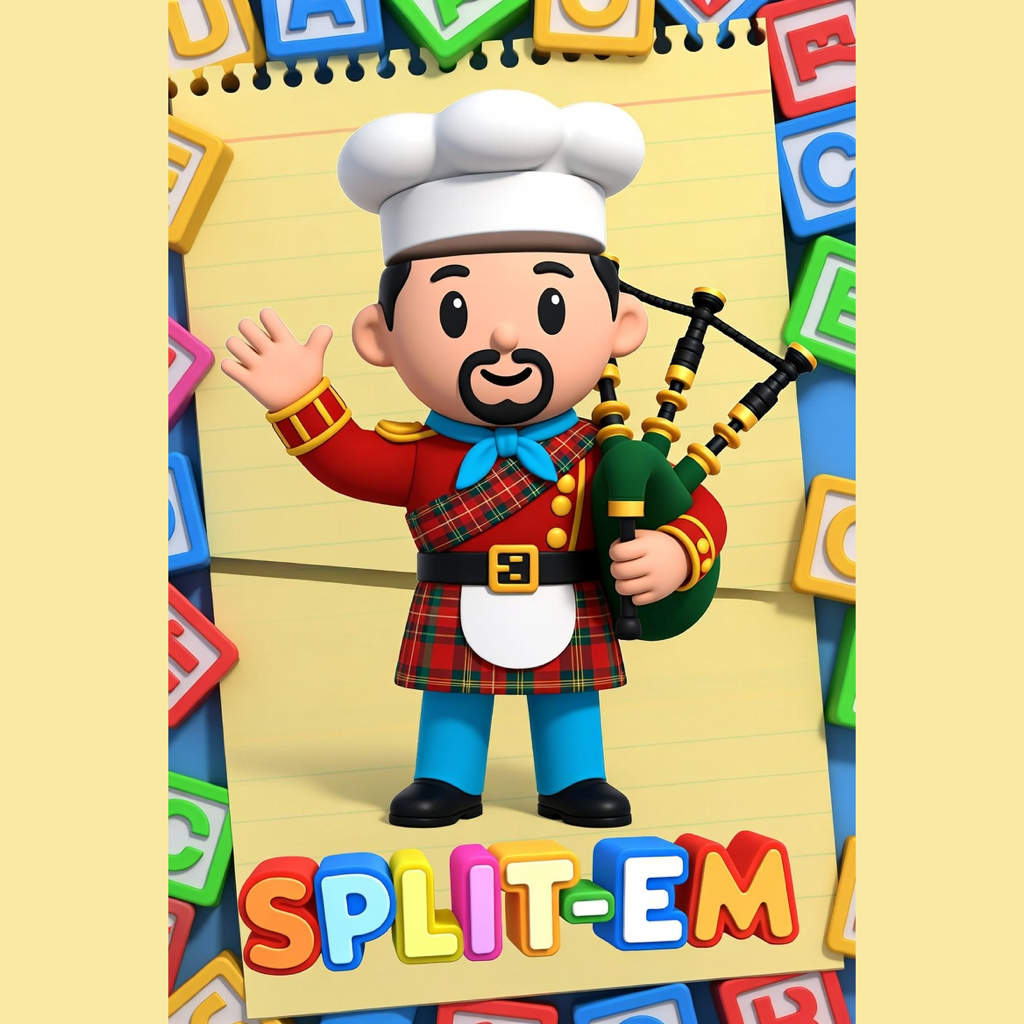
Split-em Support
Split-em is designed to be simple: swipe the character parts, tap the name to hear it, and use the camera button to save a picture.
Using The App
- Swipe the head, body or legs left and right to change that part.
- Tap the character name at the top to hear it spoken aloud.
- Choose the Low or Happy voice style.
- Tap the camera button to save the character image to Photos.
Photo Permission
Split-em asks for photo library permission only when saving a character picture. If saving does not work, check that photo access is allowed in the device Settings app.
Need Help?
For support, please contact the developer through the App Store listing or use the support contact details provided with your purchase.